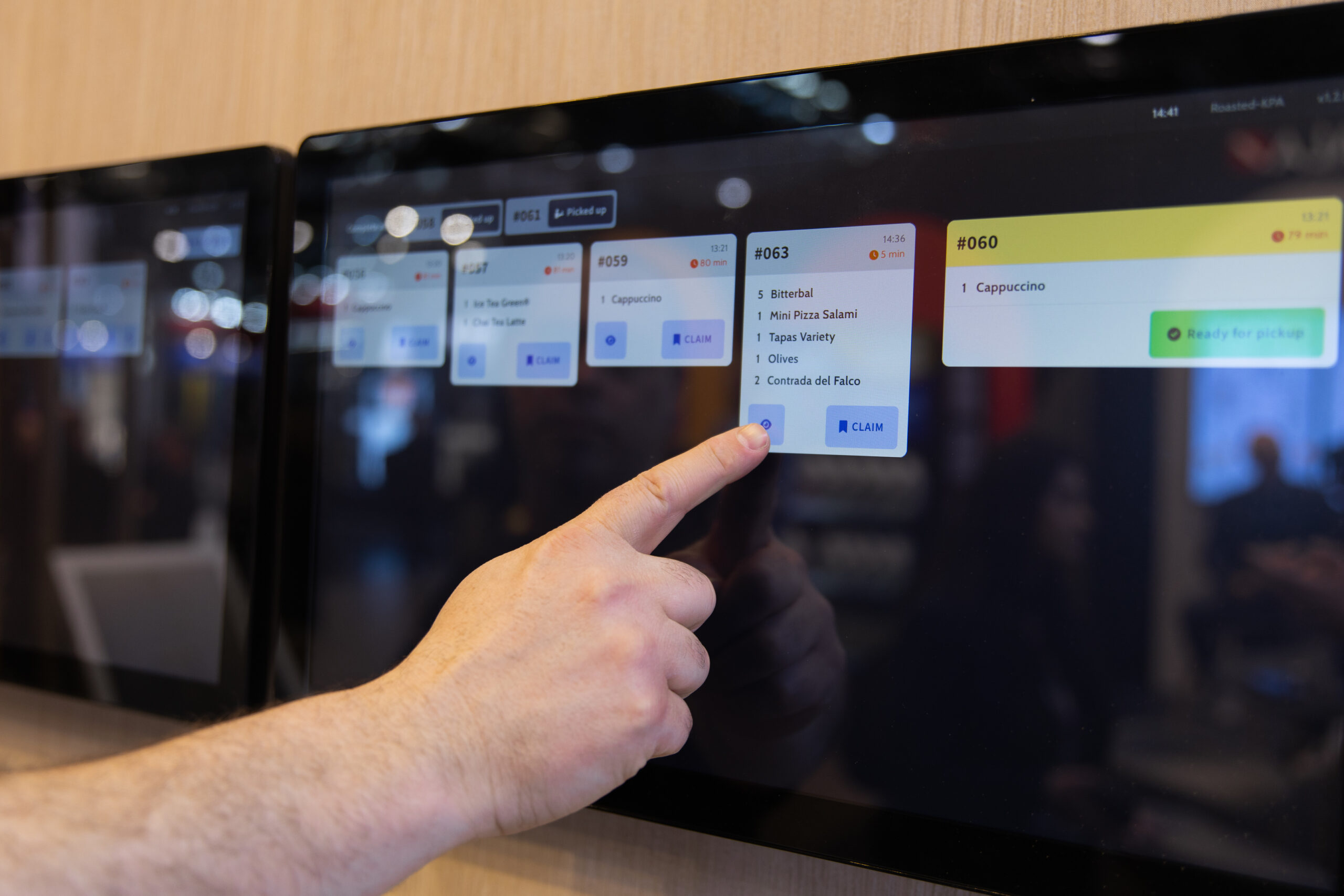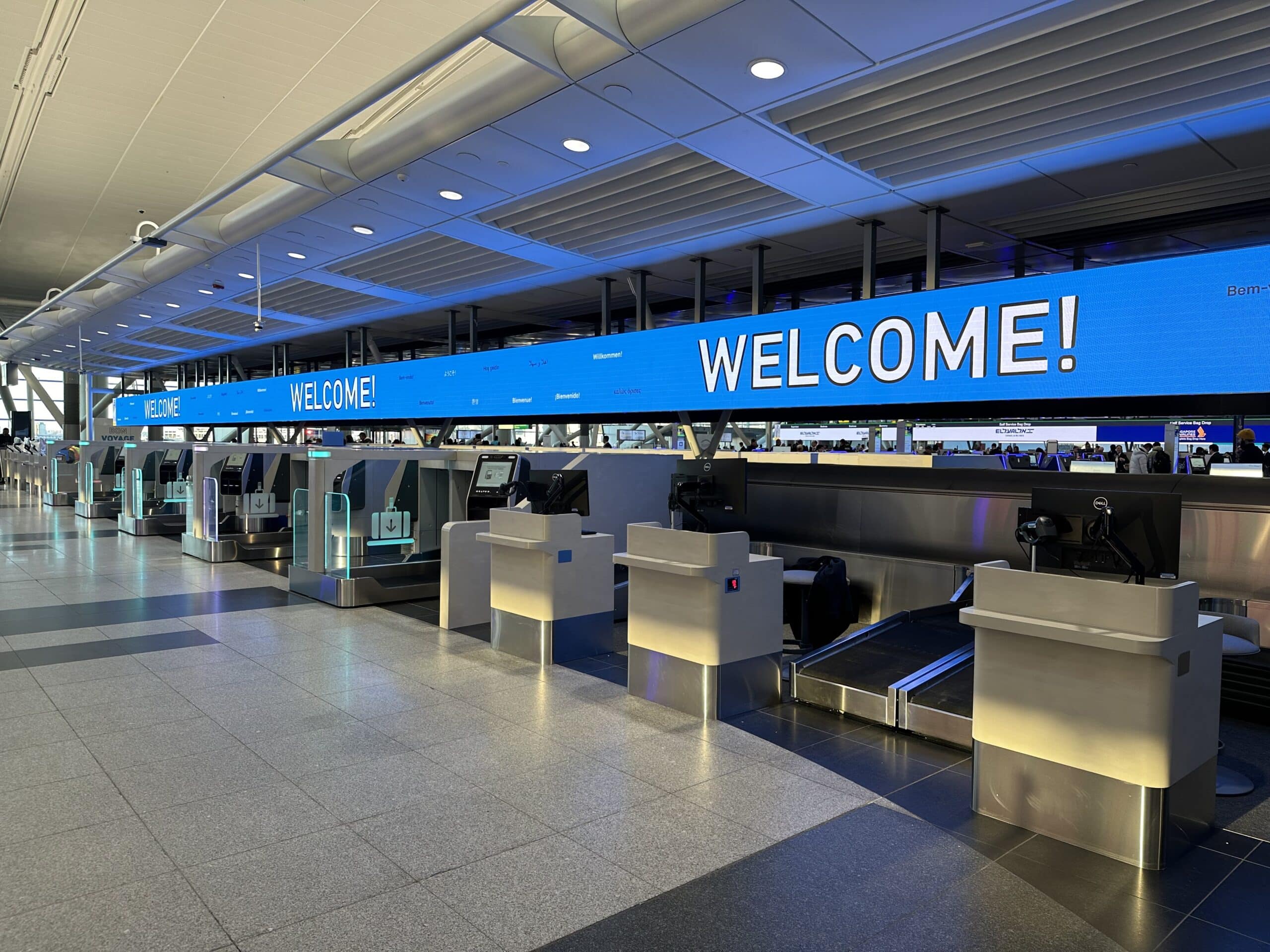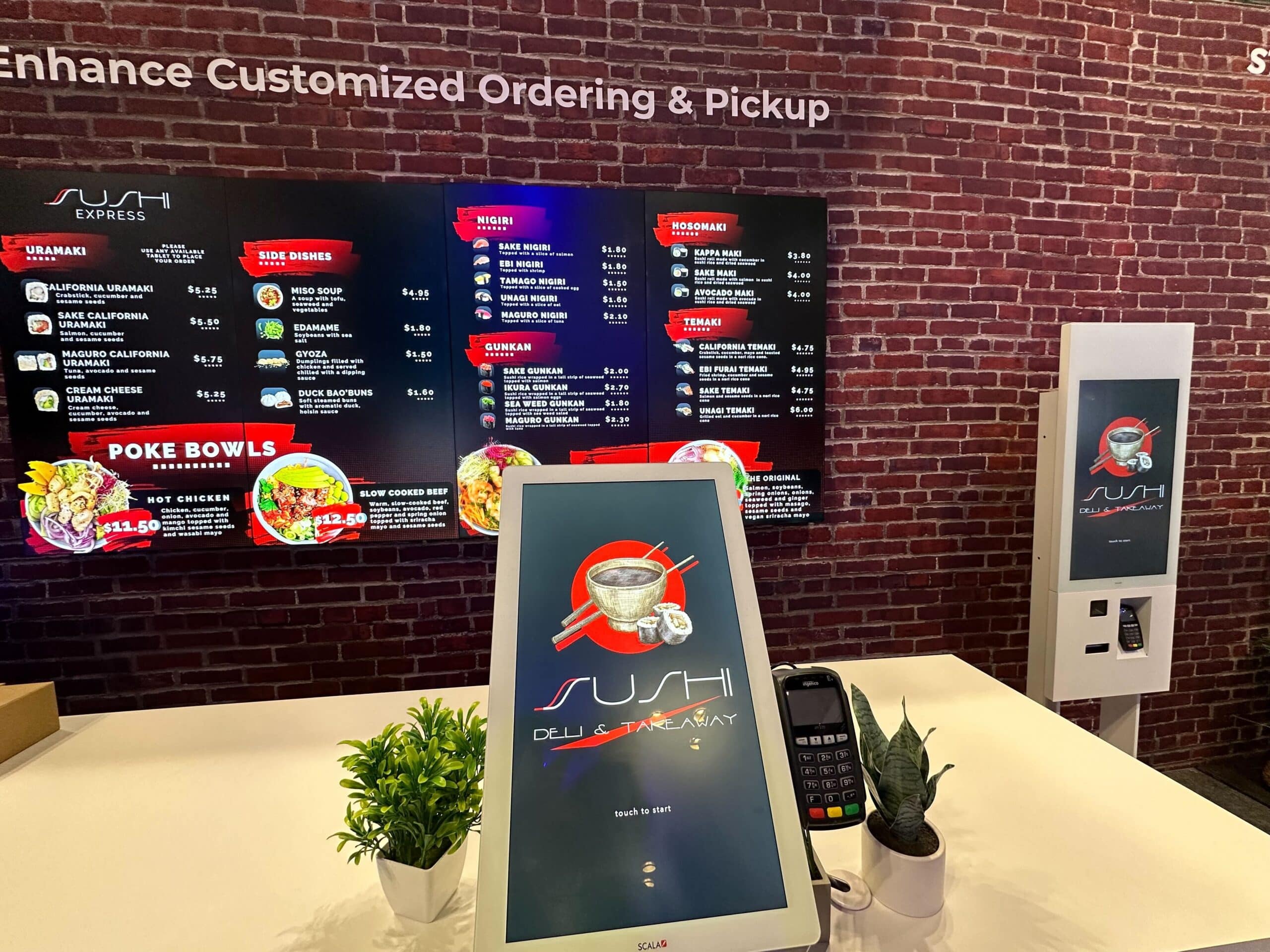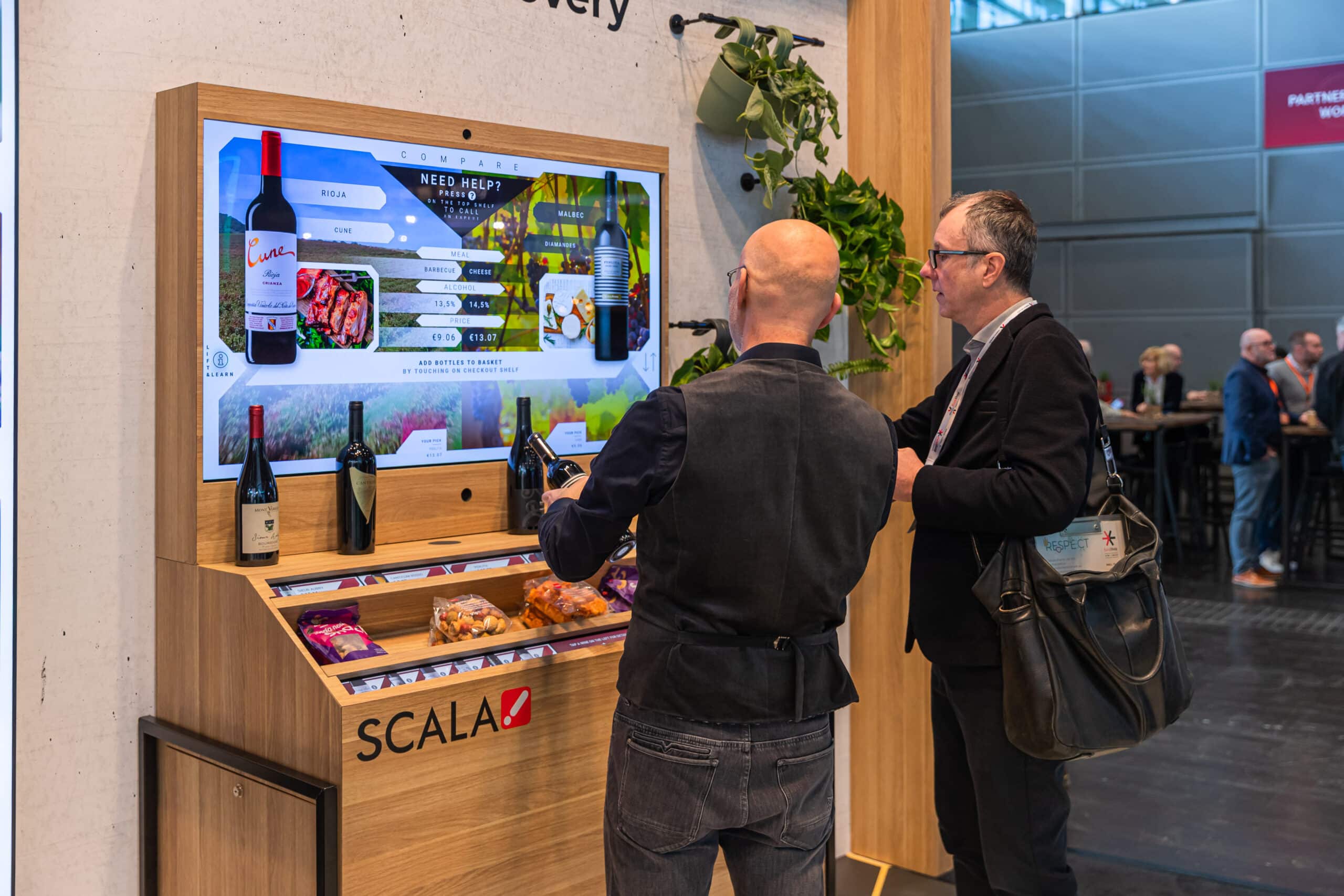



Consumer engagement is evolving, and today’s audiences seek out experiences that are memorable, modern and personalized while offering the same speed and convenience found online. At the same time, brands are seeking ways to maximize revenue opportunities, minimize wastage, deepen their understanding of shopper behavior and strengthen customer loyalty. At Scala, we focus on building strategic partnerships with the world’s leading brands to apply a wide array of technology — including digital signs, mobile sensors, audience intelligence, virtual reality and computer vision technology — in the physical space. We’re transforming how consumers experience retail stores, quick-service restaurants, airports, banks and corporate environments with a “marketing first” point of view, matching the vision with the strategy, experience and delivery capability to make your project a success.
Beyond bringing large-scale, secure digital display networks and retail media networks to market, Scala is adding deep insight into consumer and employee behaviors, patterns and preferences — every digital sign can be a sensor, informing marketing and retail strategy. By analyzing this data, retailers and marketers can personalize and continually optimize in-store screen content, tailoring offers and experiences based on consumer and employee profiles and location.
We use the latest digital technologies that go beyond traditional signage solutions. Our powerful and visually engaging customer experiences are widely recognized for helping businesses deliver sales-boosting messages to their target markets.
Stay up to date with our latest news and initiatives